
Ablestar Ablestar Ablestar

Bulk Product Editor

Win back your time

Ablestar’s Bulk Editor Shopify app increases productivity, avoid errors, and save countless hours.

Starting at

$30 / per month

Free Trial Available

The Old Way

Manual edits, constant mistakes, zero clarity

Why update products by hand, when you don’t have to? Running your store takes a lot of time — the last thing you want is to update products manually.

Constant mistakes

You’re bound to input the wrong entry from time to time—you’re not a machine, but Ablestar is.

Manual edits

A simple change like ‘add a tag to all products under $15’ can take you hours.

Zero clarity

Because there’s no audit log, you have no way of seeing what changes have been made. There’s also no way of rolling back these changes if you make a mistake.

The New Way

Spend more time on what you do best

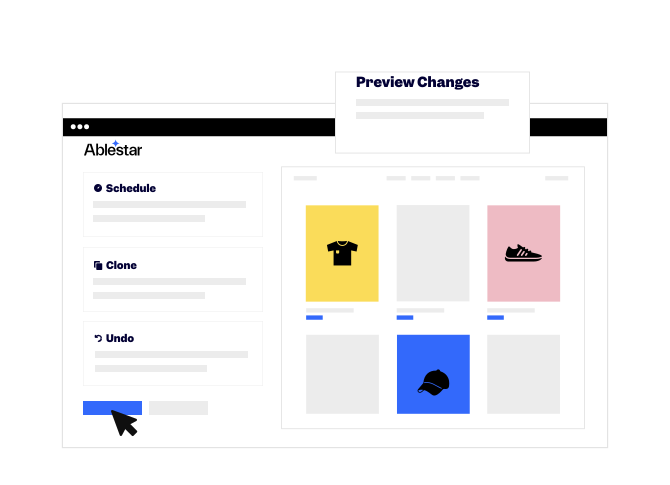
Dynamically edit products and control recent changes, from the tip of your fingers.
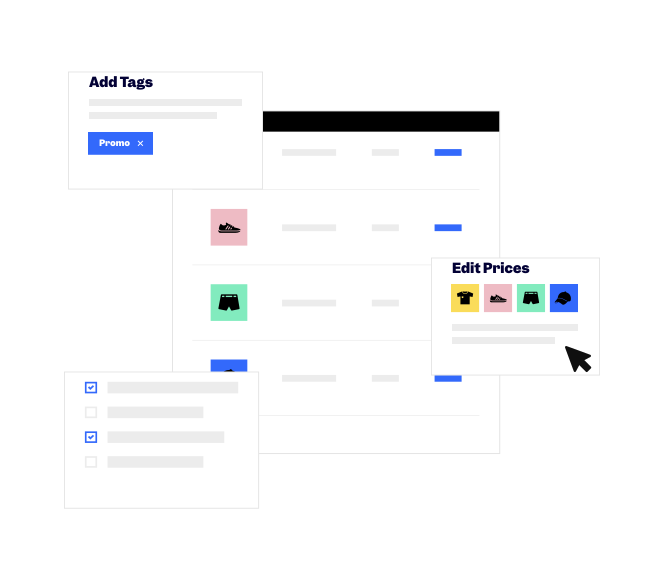
Save hours of work Fully control edits Work quicker with spreadsheets

Make edits
(direct in the app)

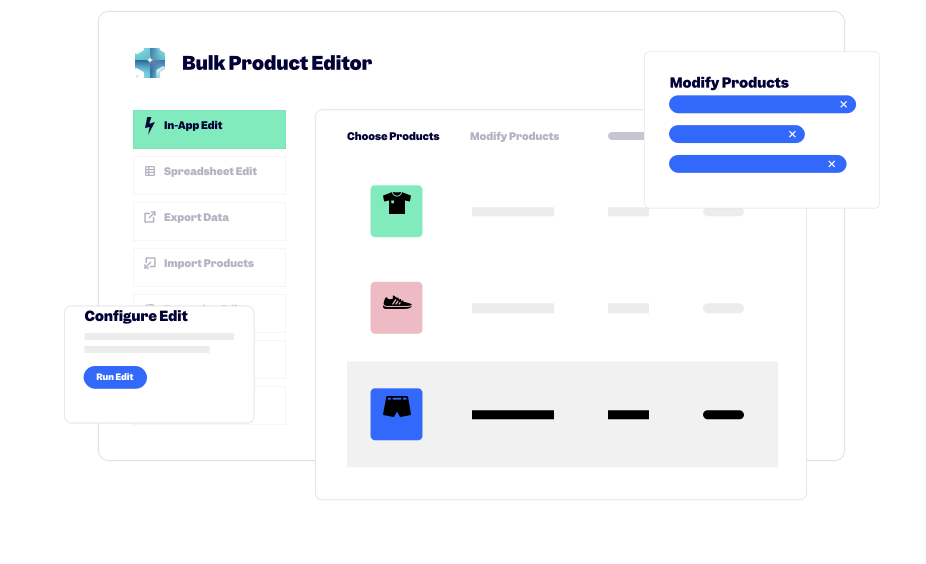
Easily apply search filters to determine the products and fields you want to edit, then make edits while you focus on doing something else. Like making coffee.
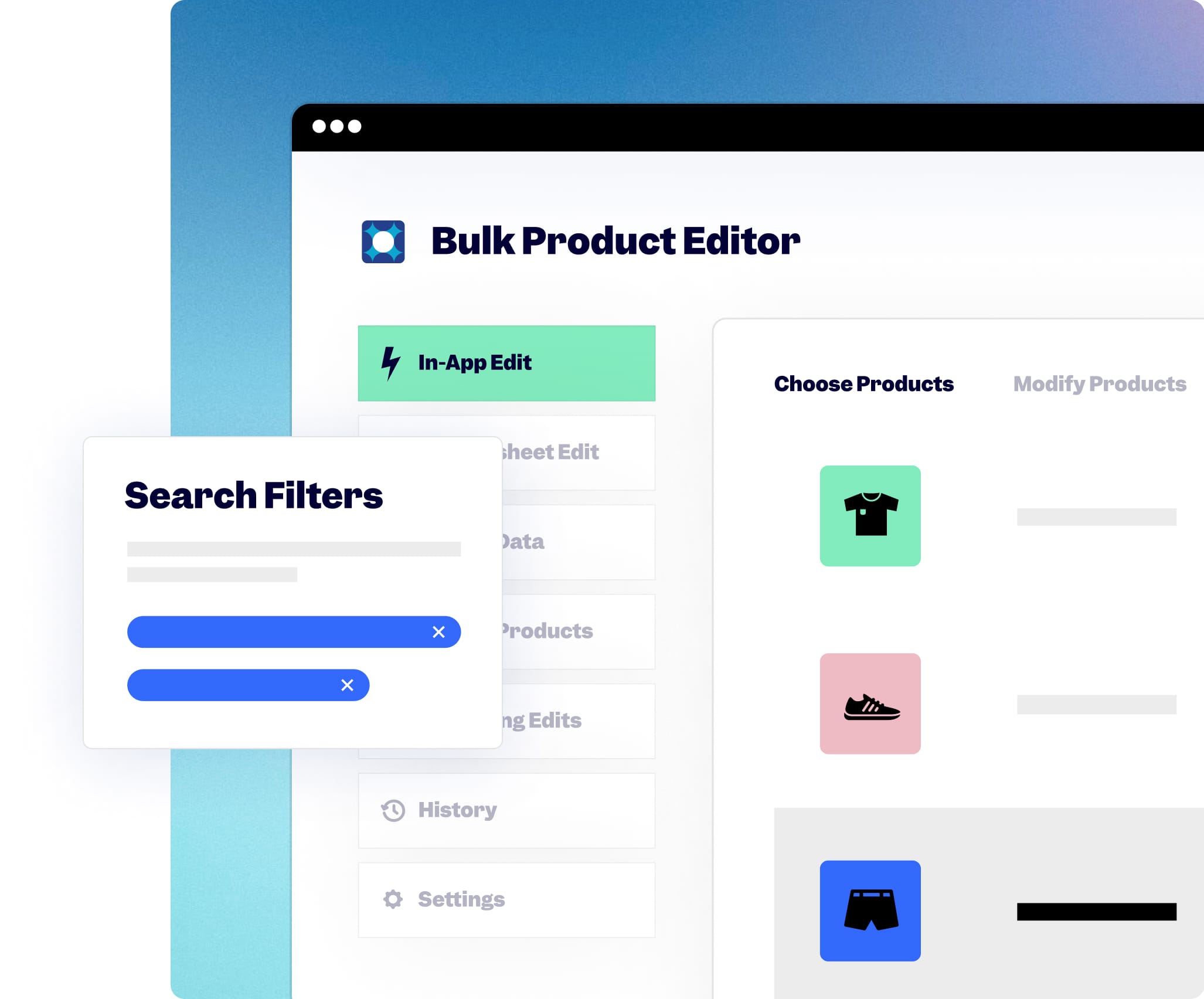
Bulk Product Editor edit configuration screen

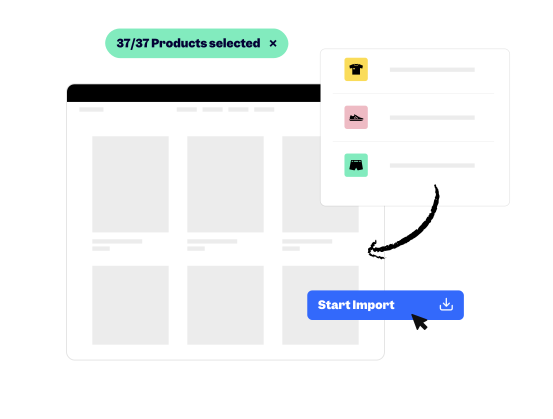
Import & export product data from Shopify

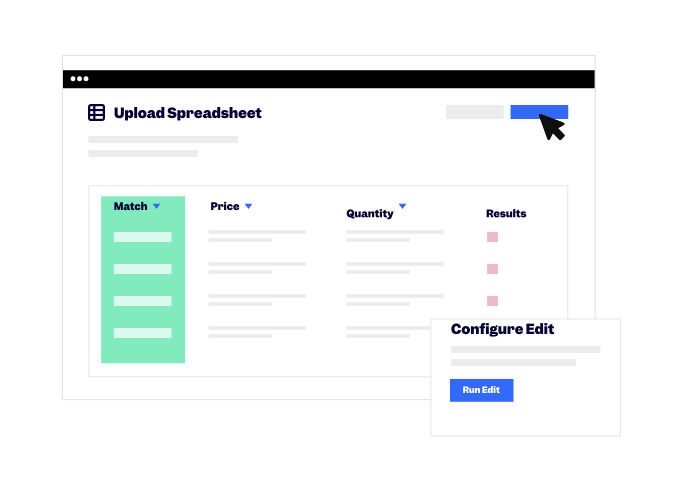
Import products from a spreadsheet or export product data in a custom format. How? Upload the file and map the columns to Shopify’s fields (price title, description—you get the point).
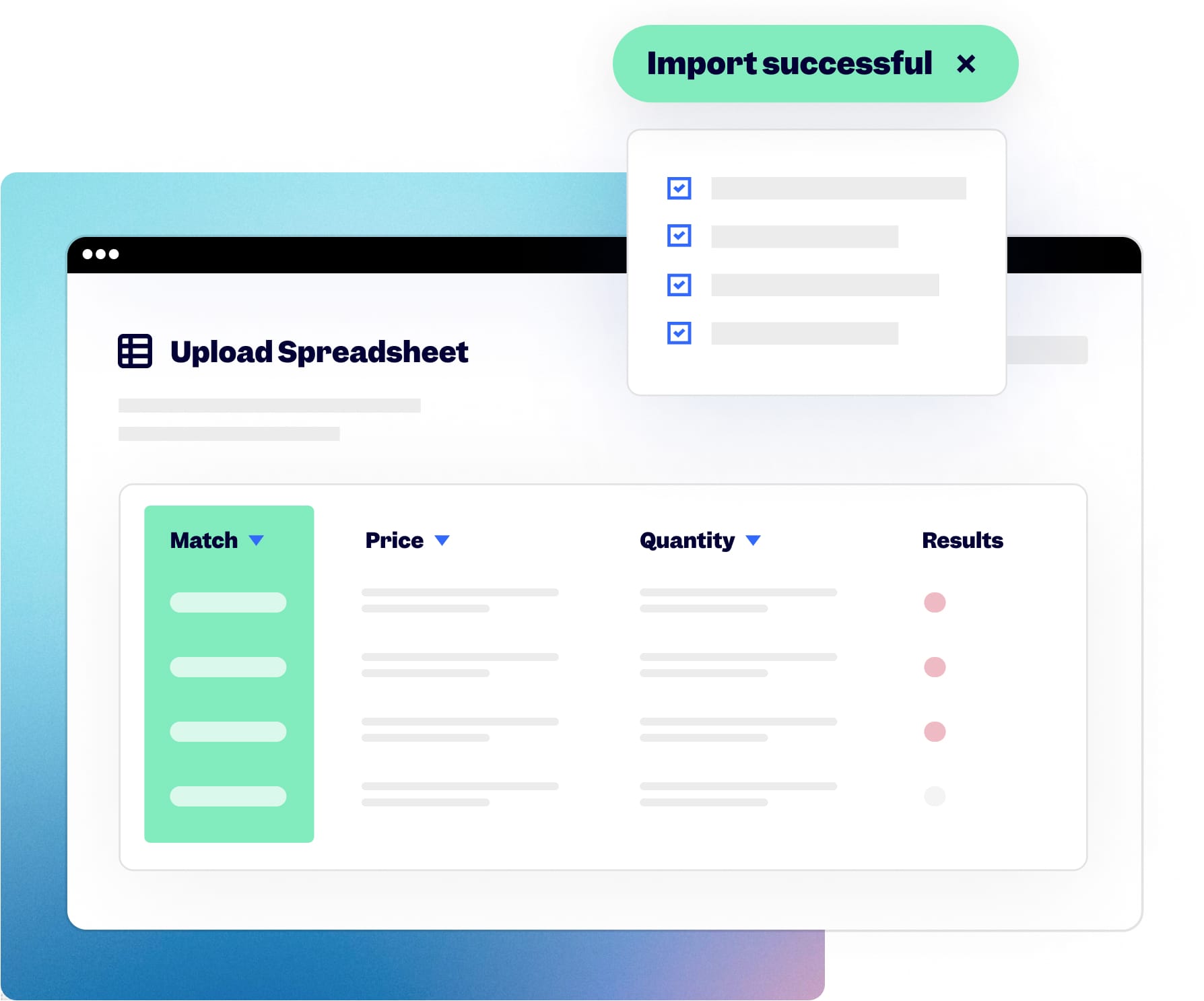
Bulk Product Editor spreadsheet import screen

Ablestar Bulk Product Editor

Frequently Asked Questions

What bulk edit actions can stores do?
The app allows you to bulk edit virtually all your product data including prices, tags, and manufacturers’ names, Google Shopping feeds, metafields. You can also connect inventory to locations in bulk or bulk delete products from Shopify.
Who is the app best used for?
It’s ideal for Shopify stores that have regular sales, want to bulk edit tags or descriptions across large inventories, are running Google Shopping campaigns and want to improve campaign efficiencies. Bulk Product Editor is also best used for stores that simply want to avoid errors in the editing process across metafields and adjusting inventory locations across numerous products.
Is the app compatible with my theme?
The app interacts directly with the Shopify API and doesn’t need access to any theme to function. This means that you can use the app with any theme and that it won’t slow down your storefront.
How does this app compare to Matrixify?
Matrixify is a general-purpose app designed to manage all types of Shopify data through spreadsheets. If you need to manage your product data though, Ablestar Bulk Product Editor has several advantages including live previews, one-click undos, and faster exports.
Is my data safe when using the Bulk Product Editor app?
When you edit your products the app will store the value of the modified field before and after the edit takes place. The app has an undo button that makes it safe for merchants to make changes without risks. The undo button can be used to revert back to changes that were made before including post sales or if an error occurred in editing.
Why does the app need to sync product data on install?
The bulk editor keeps a live copy of your product data in its database. This allows you to undo edits, perform advanced searches (eg, find all products with no images) and to export data much faster than with other apps.
Where is my data stored and for how long?
Your data is store on secured servers hosted on the Google Cloud Platform (the same hosting provider that Shopify uses). The app does not have access to your order or customer information and will remove any personal information it collects 48 hours after you uninstall the app.

Save hours—add Ablestar to your Shopify store today